Front and back
Keep a photo of both sides of the card next to the details you typed.
Business card scanner for iPhone & iPad
Point your camera at a business card. Business Card reads the name, phone number, email and website, and lets you save the contact, export a vCard or CSV, or keep the whole card in sync.
Download on theApp Store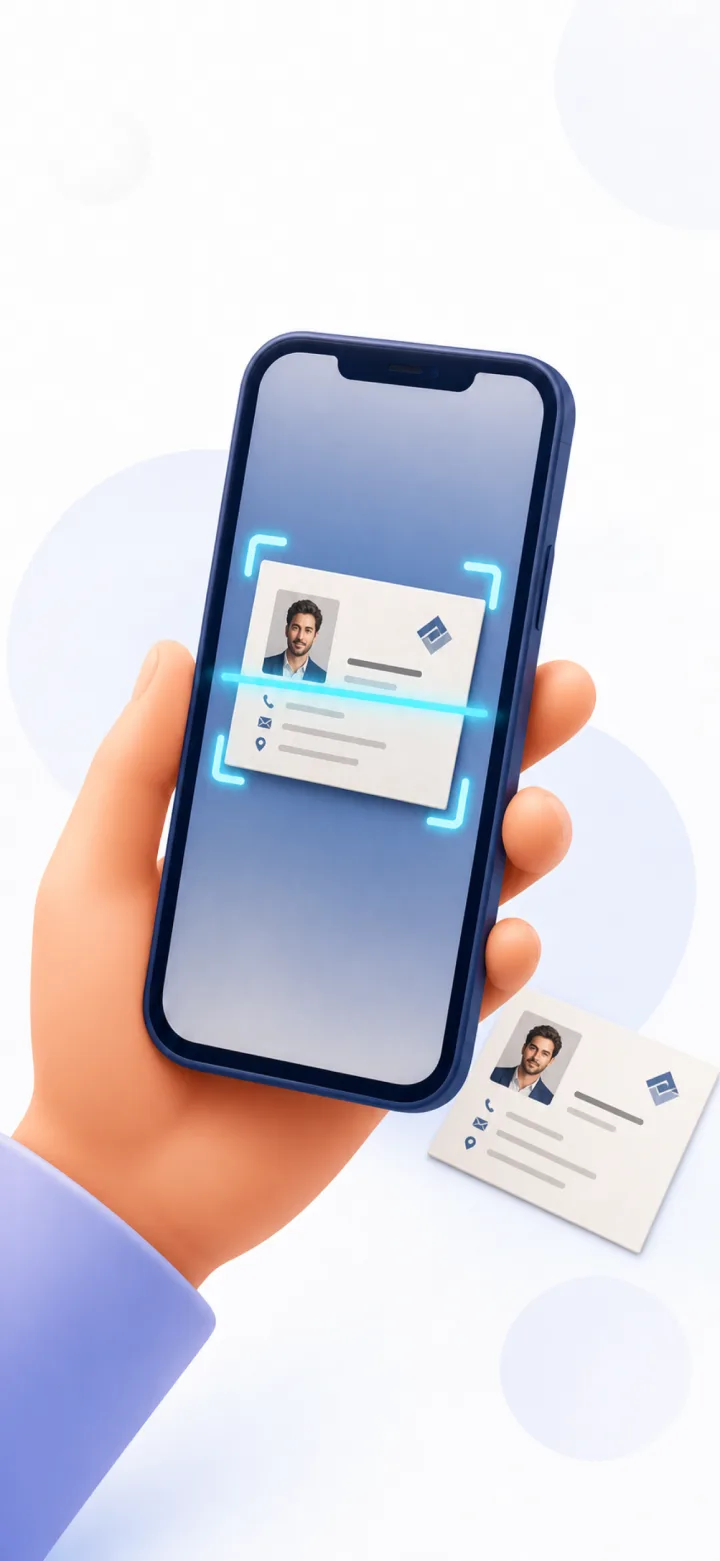
Try it
This is what happens in the app, in three taps. Press the shutter.
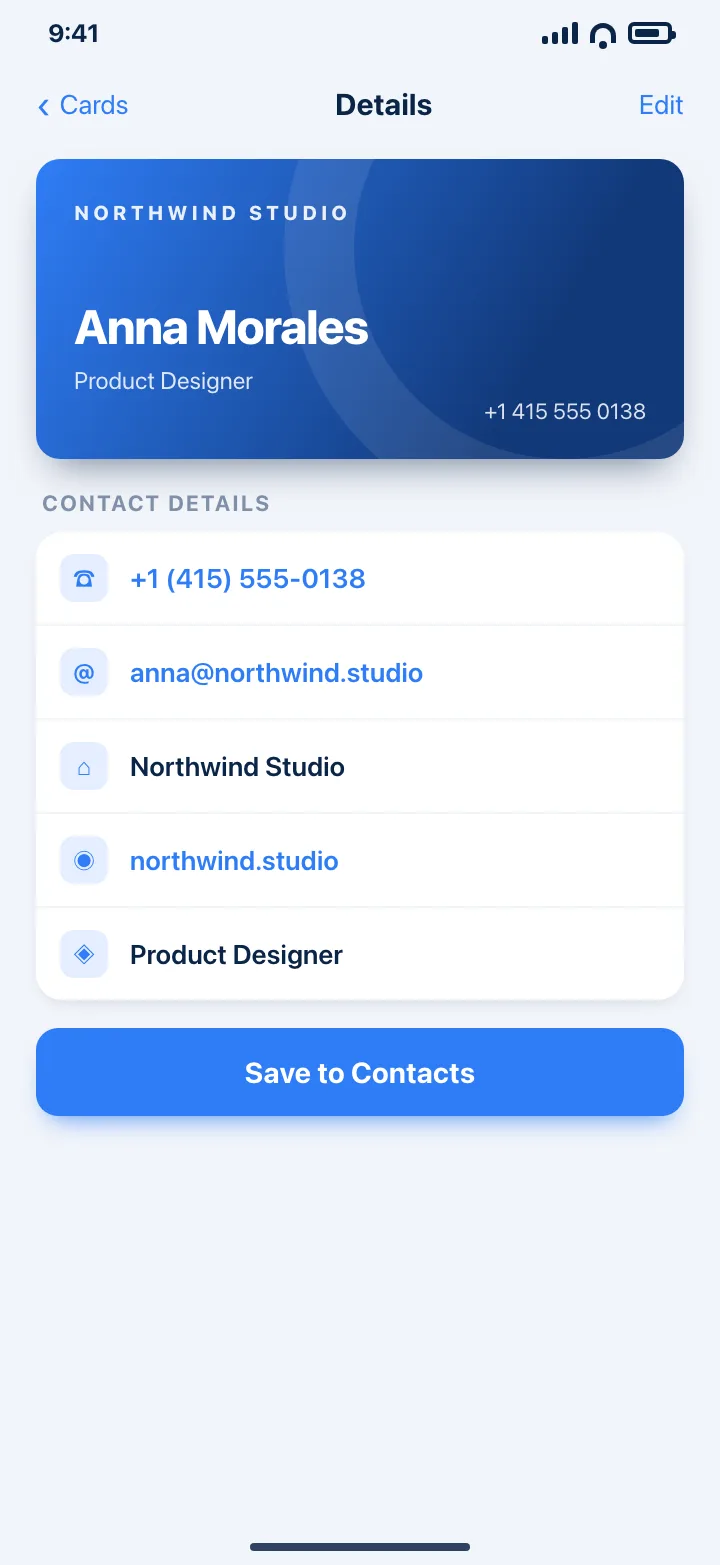
Product Designer
+1 (415) 555-0138
anna@northwind.studio
northwind.studio
What it does
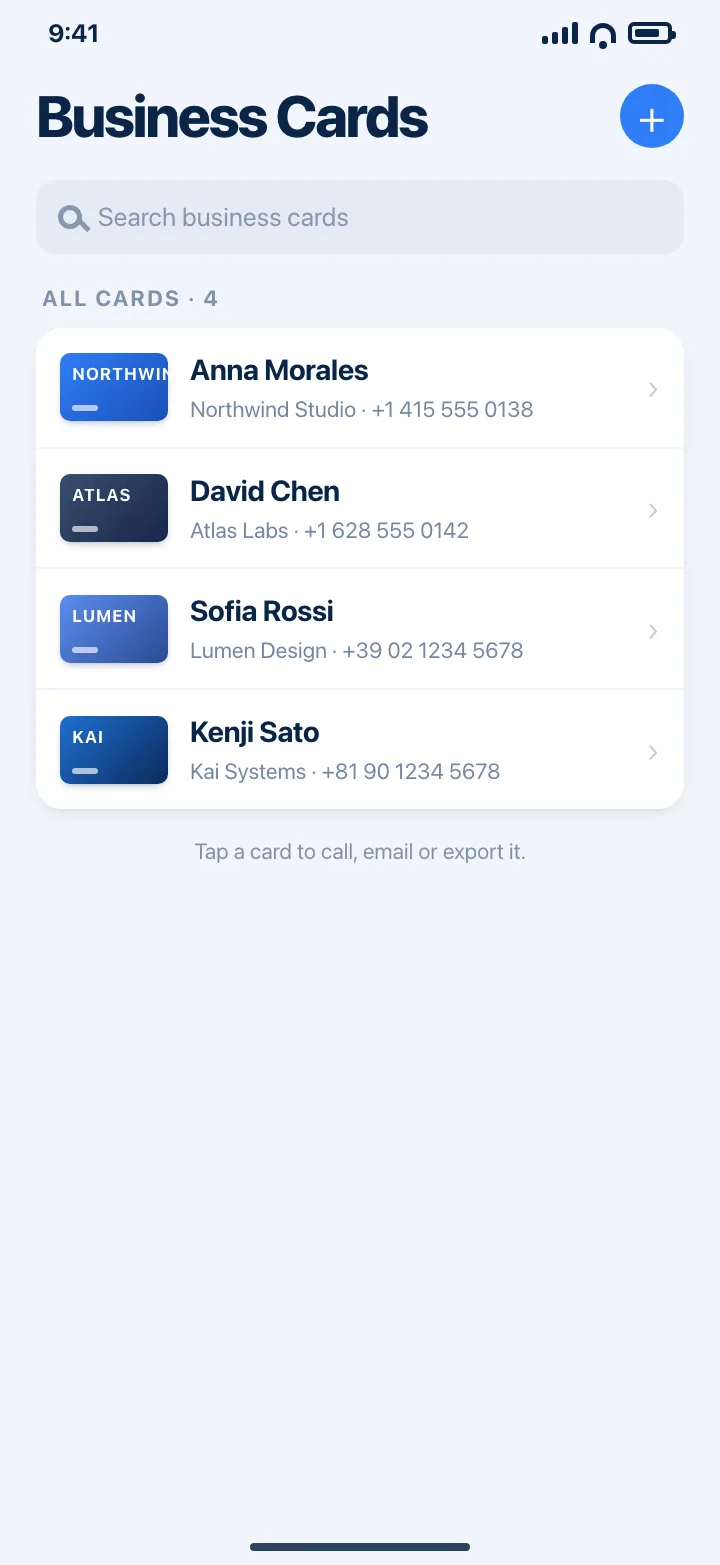
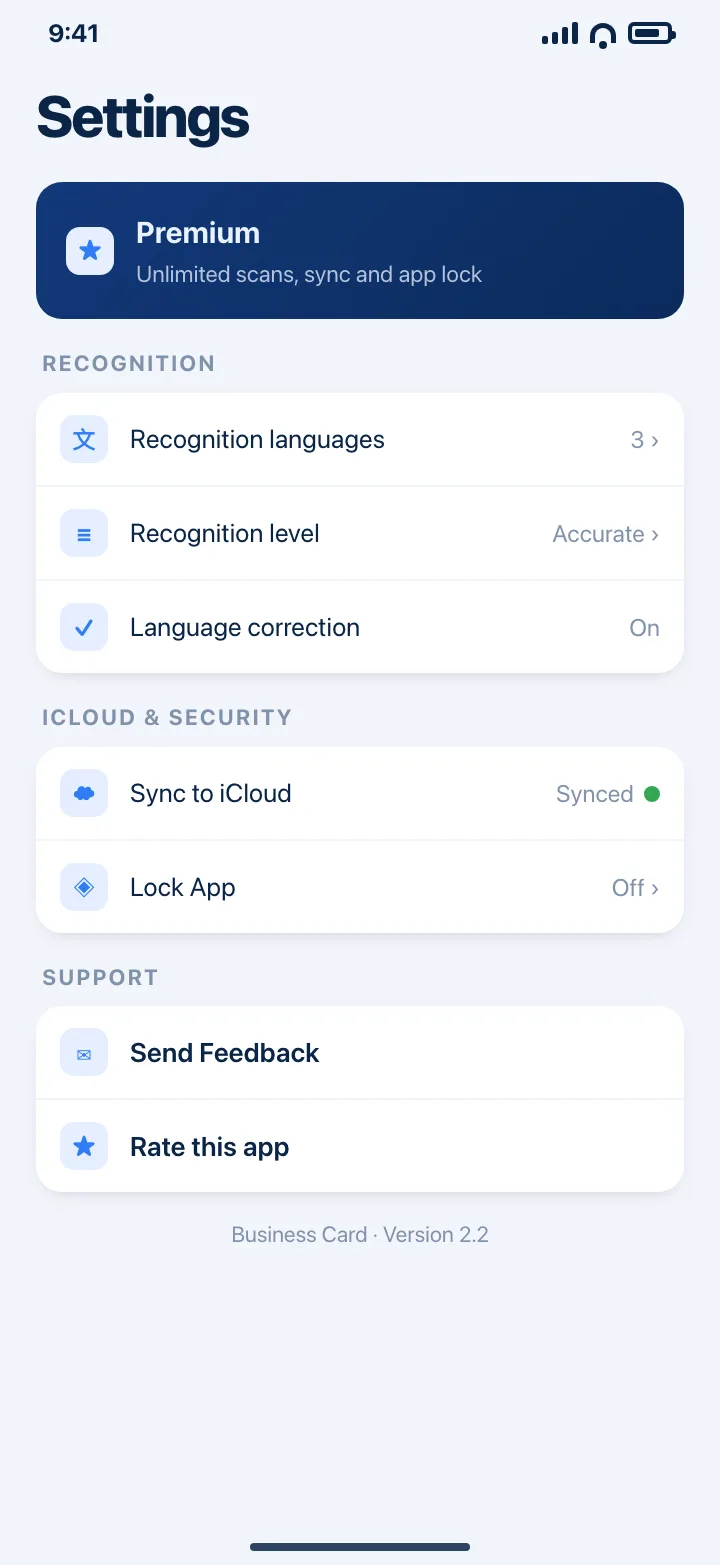
And the small things
Keep a photo of both sides of the card next to the details you typed.
Find a card by name or company, and sort by newest, recently updated, name or company.
Call, write an email, open a website or show an address straight from a card.
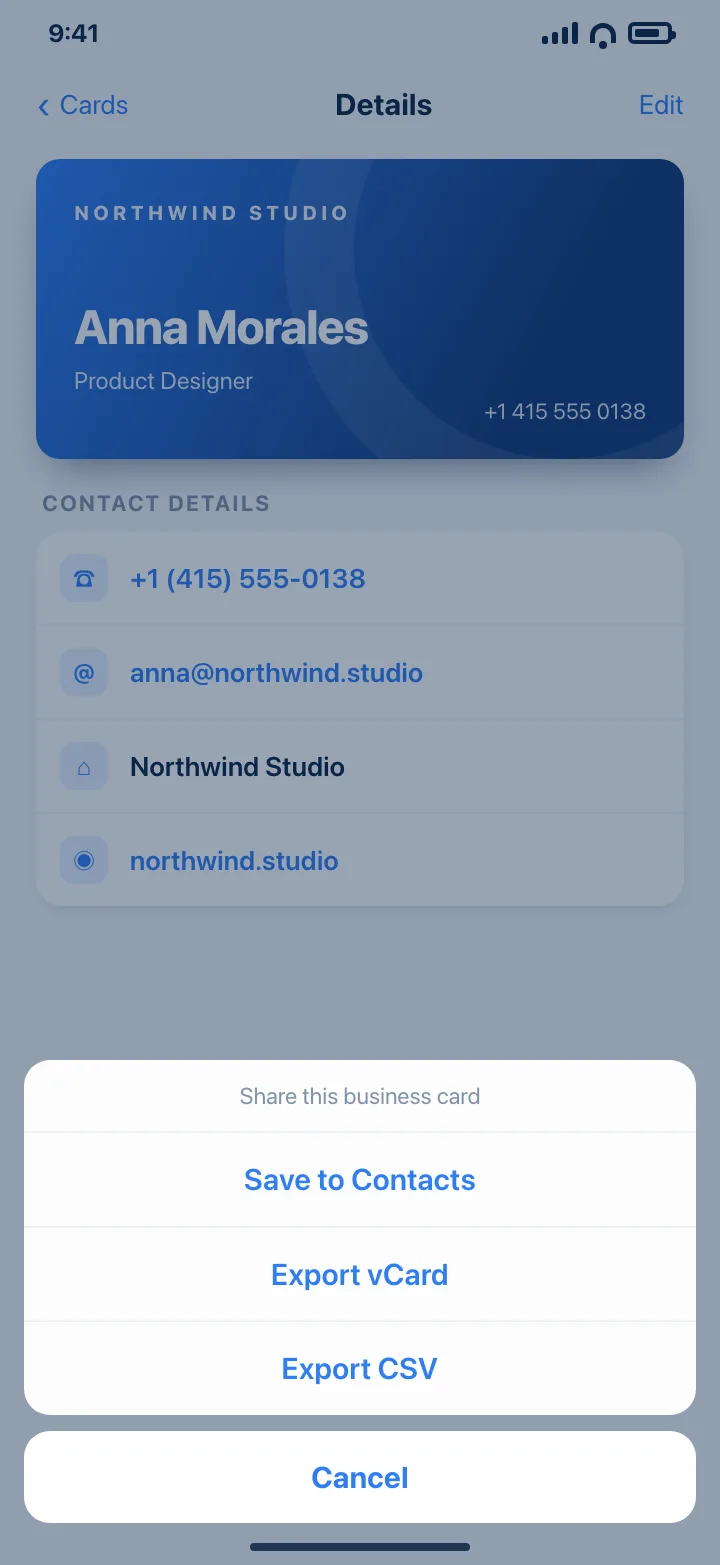
Select several cards at once and export them as vCard or CSV in one go.
Your cards show up on your iPhone and iPad, without an account to create.
Protect your contacts with a passcode when you hand someone your phone.
Made for
Clear the stack of cards you collected in a day before the names fade. Search by company later.
Capture a new contact on the spot, then export the whole batch as CSV for your CRM.
Keep candidates, recruiters and hiring managers together with a note on each card.
Photograph the cards in a drawer and finally have one searchable list you can back up.
How it works
Tap +, use the document camera or choose a photo, and the card is cropped for you.
Recognized fields are filled in. Correct anything, add a position or a note, and save.
Add the person to Contacts, or export a vCard or CSV for your address book.
Pricing
You can always get your cards out of the app, whether you subscribe or not.
Everything you need to try it and keep your first cards.
For a card box that keeps growing.
Monthly, yearly or a one-time lifetime purchase. Prices are shown in the app in your currency.
Requires iOS 15 or later. Works on iPhone and iPad.
Yes. You can scan and save up to 2 cards for free, with recognition, contact fields, Contacts saving and vCard/CSV export included. Premium removes the card limit and adds iCloud sync and the app lock.
No. Text recognition uses Apple's on-device Vision framework, so the card is read on your iPhone or iPad. Cards are stored locally and sync through your own iCloud account when sync is available.
It reads the card's text and picks out phone numbers, email addresses, websites and a name. Position, company and notes are quick to add by hand, and every field can be corrected before you save.
You choose the recognition languages in Settings from the list Apple's Vision framework supports on your device. The exact list depends on your iOS version; accurate and fast recognition levels are both available.
Yes. Save a card as a new contact in the system contact editor, share one as a vCard (.vcf), or select several cards and export them as vCard or CSV.
Open Settings in the app and tap “Restore Previous Purchase”, signed in with the same Apple ID. Subscriptions renew automatically until you turn that off in your Apple ID settings.
Business Card is free on the App Store for iPhone and iPad.
Download on theApp Store