 Business Card
How to export business cards as vCard or CSV
A list you cannot get out of an app is not really yours. Here is how to turn paper cards into a file your address book, spreadsheet or CRM can read.
Updated
Free, with apps already on your iPhone
Export contacts from iCloud
If your contacts are already in iCloud, you can export them from the web.
- Sign in at iCloud.com and open Contacts.
- Select the contacts you want, then click the gear icon and choose Export vCard.
- For a spreadsheet, you will need to convert the .vcf file separately.
Only works for contacts already in your address book, gives you a single .vcf, and offers no CSV or notes about where each card came from.
With Business Card
Export from Business Card
Business Card exports a single card as vCard, or a whole selection as vCard or CSV — without saving anything to Contacts first.
- For one card, open it and tap Share, then Export vCard.
- For many cards, tap Edit on the home screen and select the ones you need (Select All is there too).
- Tap Export and choose vCard or CSV.
- Share the file to Files, Mail, AirDrop or your CRM app.
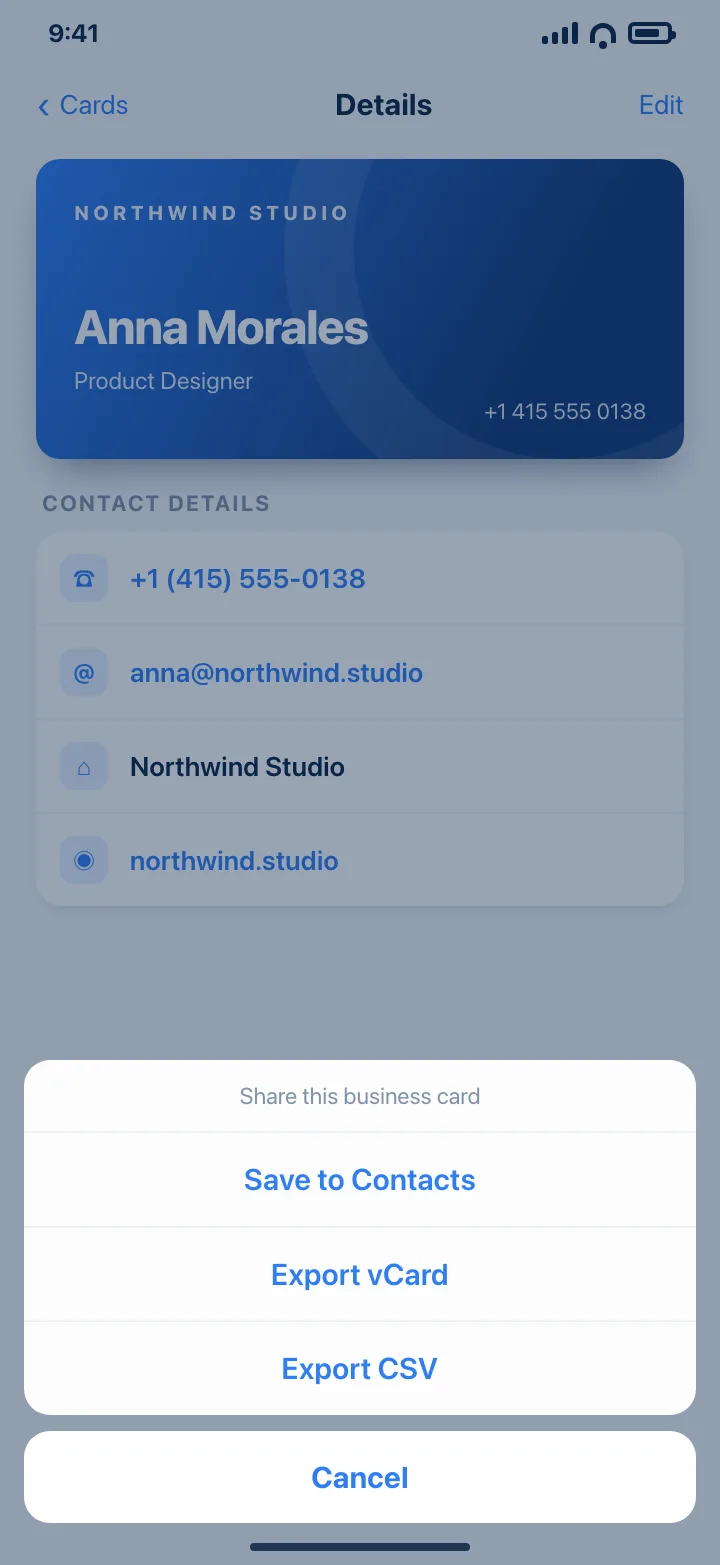
CSV includes name, company, position, phone, email, website, address and note. Export is included in the free tier.
Download on theApp StoreTips
- Use CSV for spreadsheets and CRM imports; use vCard when the file is going into someone's address book.
- Export straight after an event while the names are still fresh, then archive the file.
- Check the column order before importing into a CRM; most tools let you map columns.
Questions
What is the difference between vCard and CSV?
A vCard (.vcf) is a standard contact file that address books can import directly. CSV is a plain table that spreadsheets and CRMs prefer.
Can I export all my cards at once?
Yes. Use Edit on the home screen, Select All, then Export.
Is export a paid feature?
No. Single vCard sharing, bulk vCard and CSV export are all available without a subscription.