 Business Card
How to organize business cards after a conference
The card itself is not the valuable part — remembering who you met and why is. A five-minute routine the same evening beats a shoebox of cards a month later.
Updated
Free, with apps already on your iPhone
A paper box and a spreadsheet
The classic method needs nothing but a folder and a table.
- Put all the cards in one envelope and keep them in date order.
- Type name, company and a note into a spreadsheet when you get back.
- Store the paper cards in case a detail is missing.
Works, but the cards and the spreadsheet can drift apart, and finding one person means reading through the whole pile.
With Business Card
One searchable list
Business Card keeps the photo, the fields and your notes together, and syncs them to your other Apple devices.
- Scan each card the same evening — camera or a photo from the library.
- Fix the name, add the company and write a short note about the conversation.
- Use search by name or company, and sort by newest or recently updated.
- Select all the cards from the event and export them as a CSV for your follow-up list.
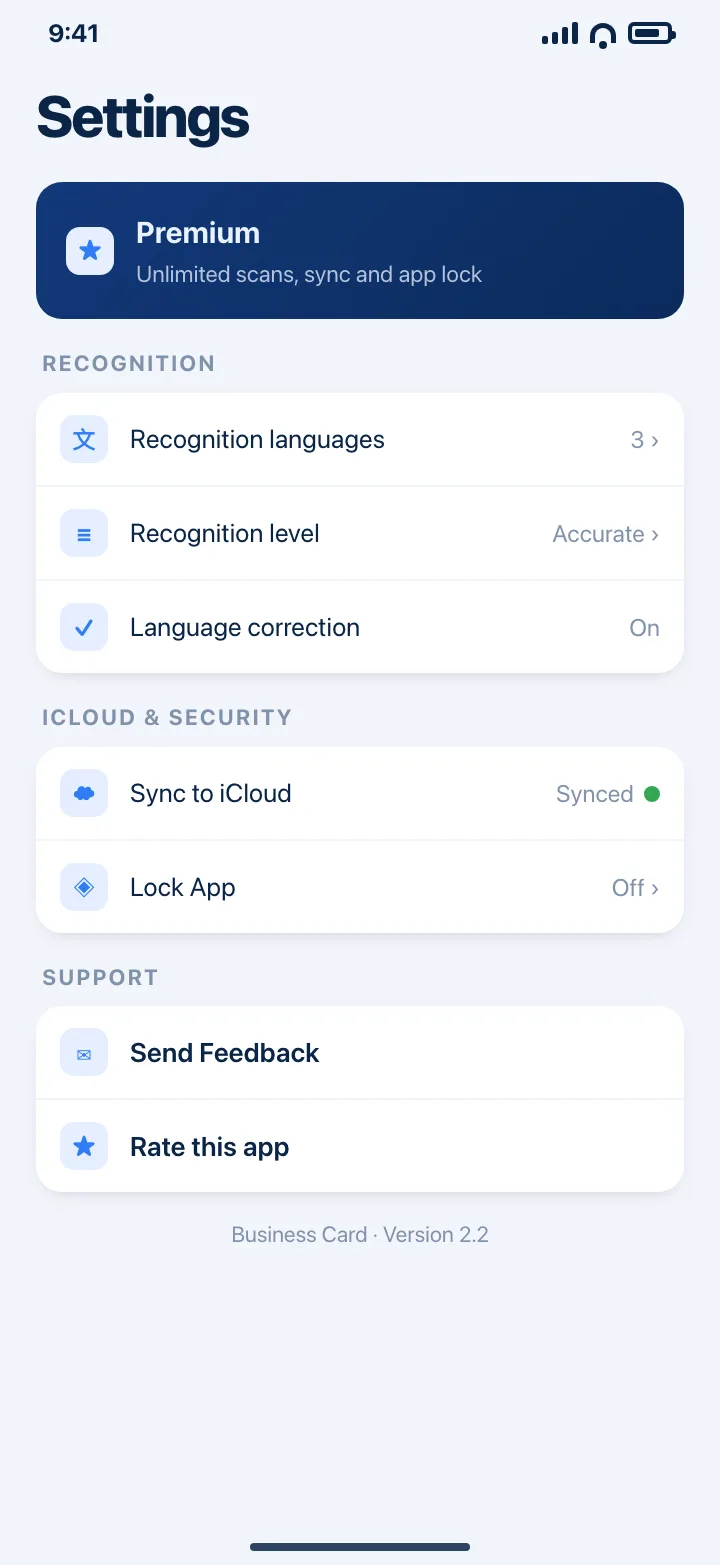
Three cards are free; a conference usually needs Premium for unlimited scans. iCloud sync keeps the list on your iPhone and iPad.
Download on theApp StoreTips
- Write the note in the language you will search in later, not the language of the card.
- Scan the moment you get back to your room; thermal and textured cards photograph best in daylight.
- Export the event batch as CSV and drop it into your CRM before the follow-up emails go out.
Questions
How many cards can I keep for free?
Three. The free tier is meant for trying the app; Premium removes the limit and adds iCloud sync and app lock.
Can I find a card by company name?
Yes. Search matches names and companies, and the list can be sorted by name, company, newest or recently updated.
Will my cards be on my iPad too?
Yes, with iCloud sync. Cards are stored on the device and sync through your own iCloud account.